


“I compared several models before choosing this one and I was worried I would be disappointed. In the end I moved my whole e-book collection onto it. The capacity is real, it is compact and easy to use across different devices. Very happy with my purchase.”
Portable SSD - USB-C External SSD
Portable SSD - USB-C External SSD
✅Several capacities, in 5 colours
✅USB-C / USB 3.0 depending on the cable supplied
✅Plug & Play: no software to install
✅Works with Windows and Mac
✅Compact and easy to carry
Choose Your Storage
Couldn't load pickup availability

How do I set it up?
How do I set it up?
- Plug it in with the cable or the adapters supplied.
- It appears on your device straight away, like a USB stick.
- Copy your files and take your copy anywhere.


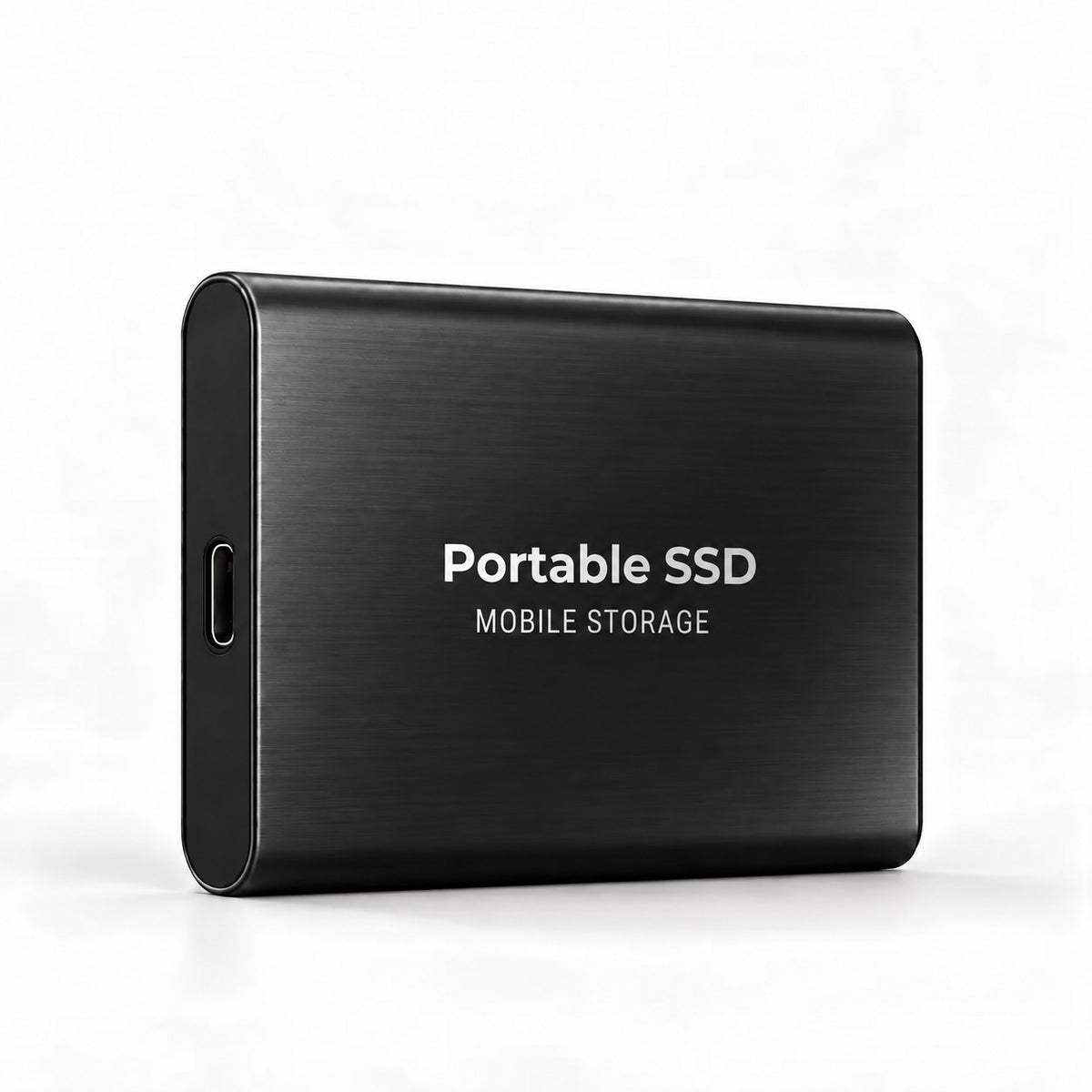

Your memories. Your work. Your copy.
Family photos, client projects, videos, course notes or work documents: keep a separate copy of whatever would be painful or impossible to replace.

Simple to plug in. Simple to carry.
No complicated setup, a compact format, and the connectors supplied in the box.
- USB-C: a modern connection
- Plug & Play: no software to install
- exFAT: a format readable on Windows and Mac
- Compact: it slips easily into a bag
- Cable and adapters included

A local copy, under your control.
An external SSD does not replace every other form of backup. It gives you one extra physical copy, that you keep with you or at home.
DON'T RELY ON A SINGLE COPY.
Your important data should exist in more than one place.
The SSD adds a physical copy,
under your control.
| On the computer only | Online storage | Portable external SSD | |
|---|---|---|---|
| Copy separate from the machine | No | Yes | Yes |
| Available without a connection | Yes | No | Yes |
| Physically portable | No | No | Yes |
| Cost | None | Depends on the plan | One-off purchase |

Ready in seconds.
- PLUG INConnect the SSD with the right cable.
- COPYMove the files that matter.
- TAKE ITKeep a copy separate from your main machine.
Frequently asked questions
Which capacity should I choose?
Which capacity should I choose?
1 TB suits an everyday backup. From 4 TB upwards you get room for large volumes of photos, videos and projects
Does it work with Windows and Mac?
Does it work with Windows and Mac?
Yes. It ships in exFAT format, readable and writable on both Windows and Mac.
Does it work over USB-C?
Does it work over USB-C?
Yes. It has a USB-C / USB 3.0 interface and the connectors are supplied.
Can I use it with a phone?
Can I use it with a phone?
With some Android devices that have a USB-C port supporting OTG. Compatibility depends on the phone.
Do I need to install any software?
Do I need to install any software?
No. It is Plug & Play: you plug it in and it appears.
What is the transfer speed?
What is the transfer speed?
It depends on the cable, the port, the device and the size of the files, so we do not publish a figure.
Can I store videos and photos on it?
Can I store videos and photos on it?
Yes. That is one of its main uses: photos, videos, documents and archives.
Can I install games on it?
Can I install games on it?
That is possible depending on the platform and the game, but it is not its main purpose.
Are my files encrypted?
Are my files encrypted?
No, it does not include encryption. You can use your operating system’s own if you need it.
Is it enough as my only backup?
Is it enough as my only backup?
No. For files you cannot replace, keep several independent copies, whatever the medium.
Satisfied or your money back
Satisfied or your money back
✅ 180 days to send it back, no questions asked
📦 Not what you expected? We refund you
🔁 Simple exchange if the mistake is ours
💸 No hidden fees